Cart Lab / Shade Swatch
Let shoppers try your shades on their own face.
Shoppers turn on their camera and see your lipstick or foundation on their face as they move. It all happens inside their web browser.
Free for up to 10 SKUs. Paid plans from $100 a month.
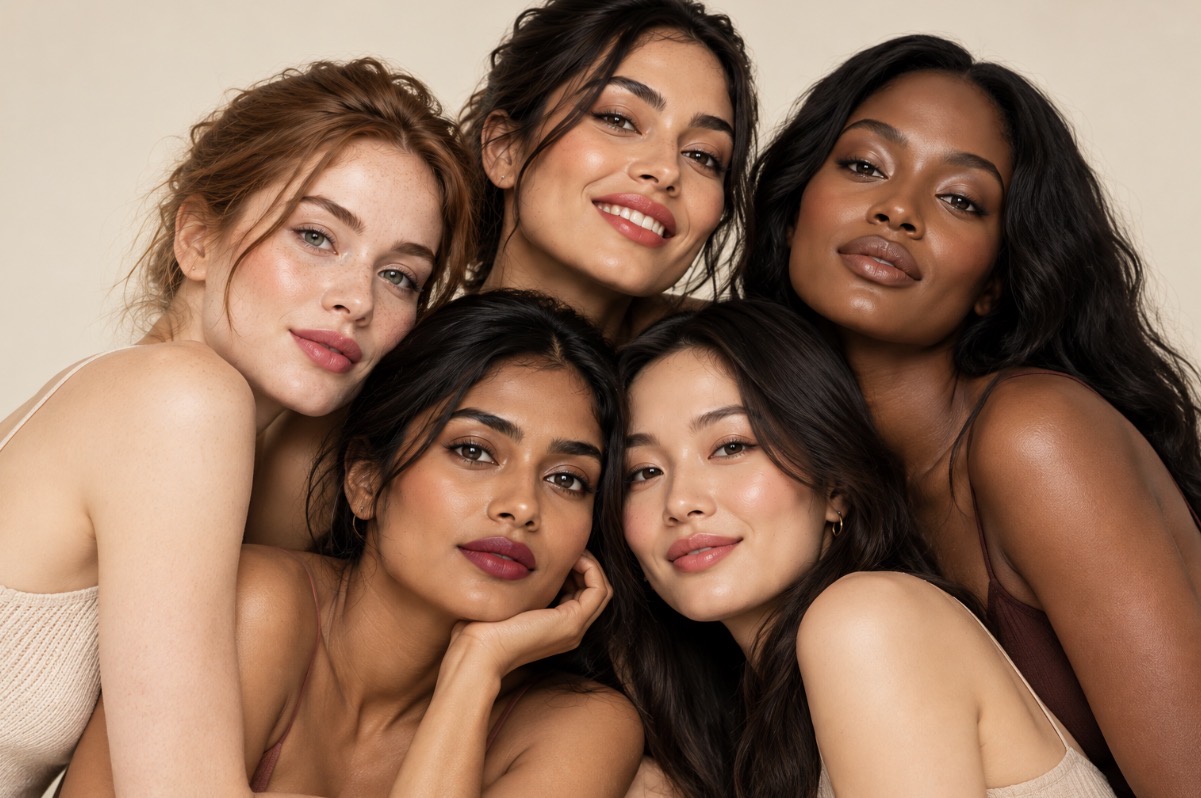
- Lipstick and foundation
- No app to download
- Camera picture stays on the device
A shade looks different on every face.
That's why shoppers want to see it on their own. Shade Swatch shows your lipstick and foundation on the shopper's face, in their camera picture, as they move.
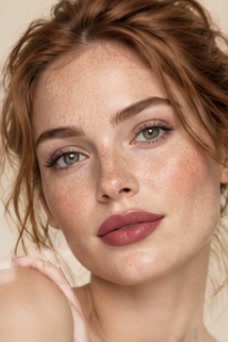
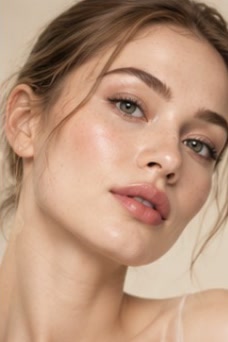
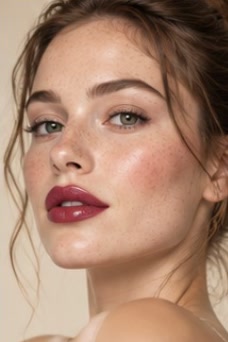
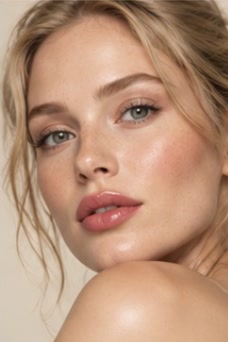
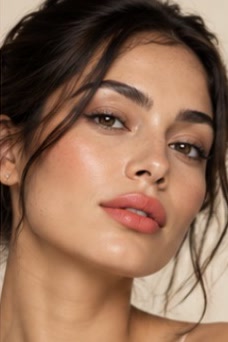
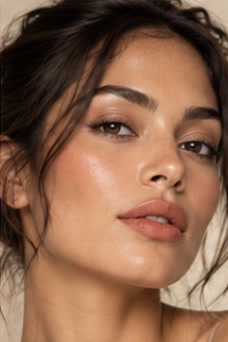
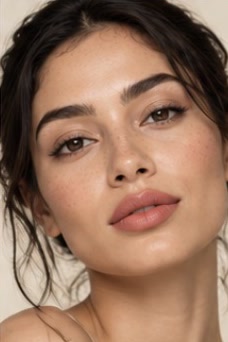
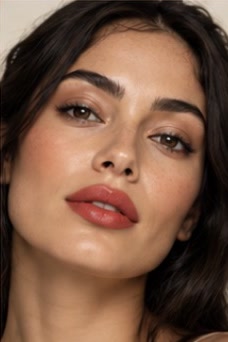
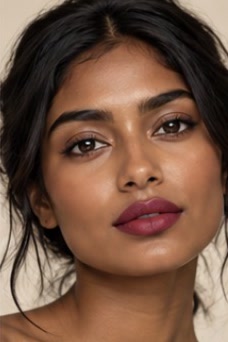
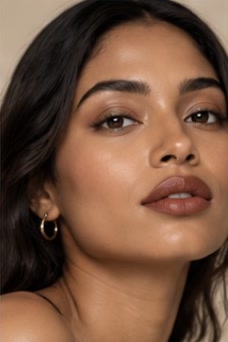
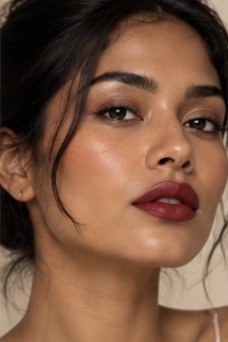
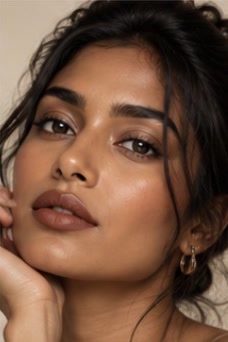
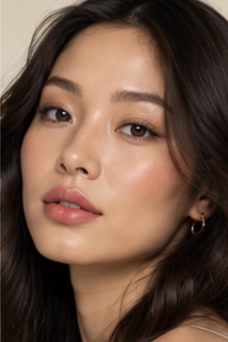
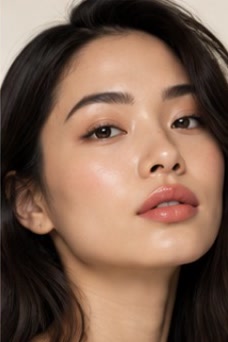
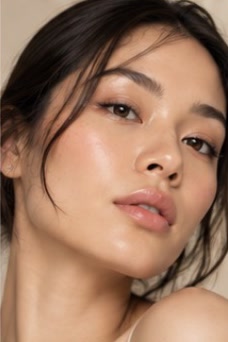
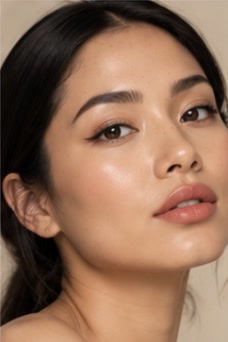
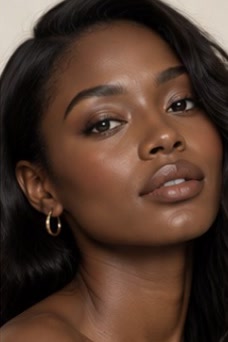
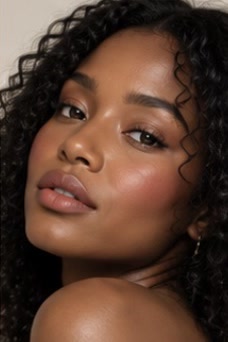
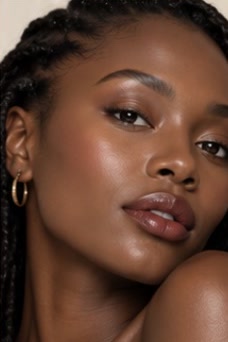
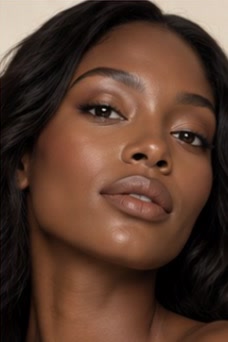
These are AI-generated model photos. Each model is shown in four lipstick looks. They are not try-on results.
A foundation shade changes with the skin under it.
The same bottle can look light on one shopper and dark on another. Shade Swatch shows your foundation shades on the shopper's own face, in their camera picture, before they choose.

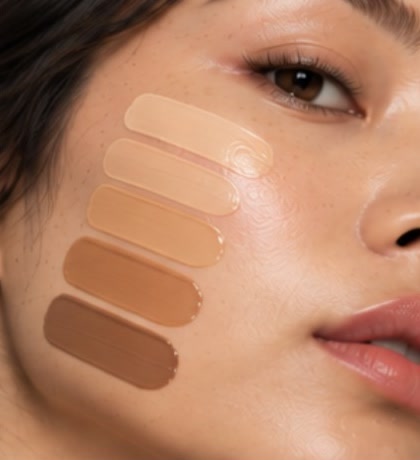
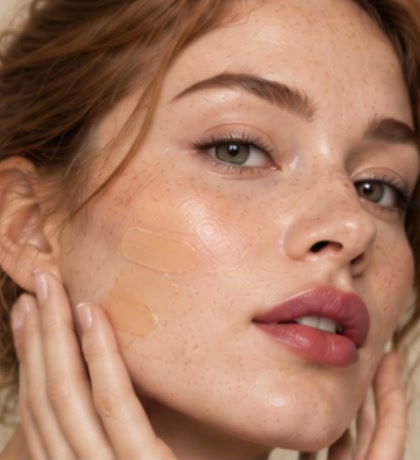
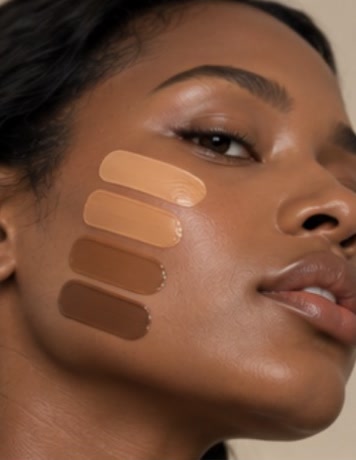
These are AI-generated photos. They are not try-on results.
What is Shade Swatch?
Shade Swatch is a virtual makeup try-on for online beauty stores, made by Cart Lab. Your shoppers see your lipstick and foundation shades on their own face, through their camera, without leaving their web browser.
- What it is: a virtual makeup try-on
- Shades: lipstick and foundation
- Where it runs: in the shopper's web browser, with nothing to install
- Privacy: the camera picture is processed on the shopper's device and never sent to a server
- Price: free for up to 10 SKUs, then priced by the number of SKUs
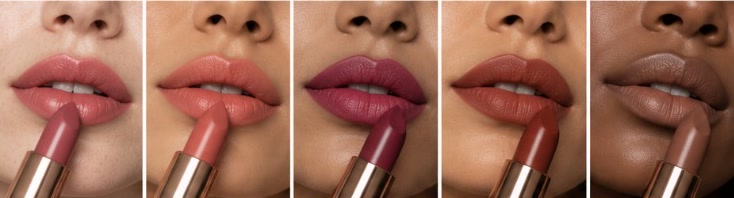
- Rose
- Coral
- Berry
- Brick
- Nude
Try a shade on your own face.
Start the live demo below with your camera or a photo. Switch between lipstick and foundation, compare two shades, or see a shade beside your bare face.
The camera picture stays with your shopper.
A try-on needs your shopper's camera, so here is exactly what happens to the picture.
It runs in their browser
The try-on works inside your shopper's web browser. There's no app for them to find, download or install.
It never leaves their device
Each camera frame is processed on the shopper's own device. It isn't sent to a server, ours or anyone else's.
You still ask first
Illinois law treats the geometry of a face as biometric data. Keeping the picture on the device doesn't remove your shop's duty to ask for consent, so plan a consent step before the camera turns on.
Made for Shopify beauty stores.
Shade Swatch is being built as a Shopify app. It is not in the Shopify App Store yet, so we set up each free plan by hand while we build it.
Start free
We set up your shades
Send us the lipstick and foundation shades you sell. We add each one to the try-on for you.
Nothing for shoppers to install
The try-on opens in your shopper's web browser, so they never leave your store to use it.
Tell us what your store needs
Stores that start now tell us what the Shopify app should do first. We reply to every request by email.
From your shades to your shoppers in three steps.
Start on the free plan and add more shades when you need them.
Start free.
Tell us about your shop, and we'll set up your free plan with up to 10 SKUs.
Add your shades.
Share each lipstick and foundation shade you sell, and we add them to the try-on.
Let shoppers try them on.
Your shoppers see your shades on their own face. When you want more SKUs, move to a paid plan.
Free to start. Then you pay by the number of SKUs.
A SKU is one shade of one product. Every plan includes lipstick and foundation, runs in the shopper's browser, and keeps the camera picture on their device.
Custom
Custom
More than 400 SKUs
Tell us about your catalogue and we'll send you a price.
Ask for a pricePrices are in US dollars. This is early pricing and may change before launch, and we'll confirm your price before you pay anything.
What Shade Swatch does, and what it doesn't.
Plain, checkable facts about the try-on today. No "best" or "#1" claims.
| What | Cart Lab | Notes |
|---|---|---|
| Shows lipstick and foundation shades on the shopper's face, live | Yes | Through their camera, as they move |
| Runs inside the shopper's web browser | Yes | Nothing to download or install |
| Sends the camera picture to a server | No | It's processed on the shopper's own device |
| Checked in Chrome and other Chromium browsers | Yes | The browsers it has been tested in |
| A free plan | Yes | Up to 10 SKUs |
| Available in the Shopify App Store | Not yet | The Shopify app is being built |
| Removes your duty to ask shoppers for consent | No | Your shop still asks first |
What shop owners ask us.
What happens to the camera picture?
It's processed on the shopper's own device, inside their web browser, and never sent to a server.
Does anything need installing?
No. The try-on runs in the shopper's web browser, so there's no app for them to download.
Is it a Shopify app?
It is being built as one, and it is not in the Shopify App Store yet. Until it is, we set up each free plan by hand.
Is there a free version?
Yes. The free plan covers up to 10 SKUs, so you can try Shade Swatch with a few of your shades before you pay anything.
How are the paid plans priced?
By the number of SKUs, where a SKU is one shade of one product. Plans start at $100 a month for up to 50 SKUs. Pricing is early and may change before launch.
Which products can shoppers try?
Lipstick and foundation. Tell us what else you sell, and we'll let you know what's possible.
Which browsers does it work in?
It has been checked in Chrome and other browsers built on Chromium.
Do I still need to ask shoppers for consent?
Yes. Illinois law treats the geometry of a face as biometric data, and keeping the picture on the shopper's device doesn't remove your shop's duty to ask for consent first.
Start with the free plan.
Tell us about your shop and the shades you'd like shoppers to try. We'll set up your free plan and reply by email. Questions about a paid plan go here too.